Smart Steps Small Businesses Can Take Today to Boost Their Website Success
For local small business owners and agency managers, a website can feel like a box to check, until leads slow down, pages load inconsistently, or customers can’t find key information. The core tension is simple: having a site isn’t the same as building an online business presence that supports real goals, and most website creation challenges show up after launch when fixes get harder and more expensive. Add digital marketing basics, shifting search expectations, and compliance concerns, and “good enough” quickly becomes a drag on credibility. Website effectiveness comes from clear foundations, not constant guesswork.

Understanding What Makes a Site Findable and Usable
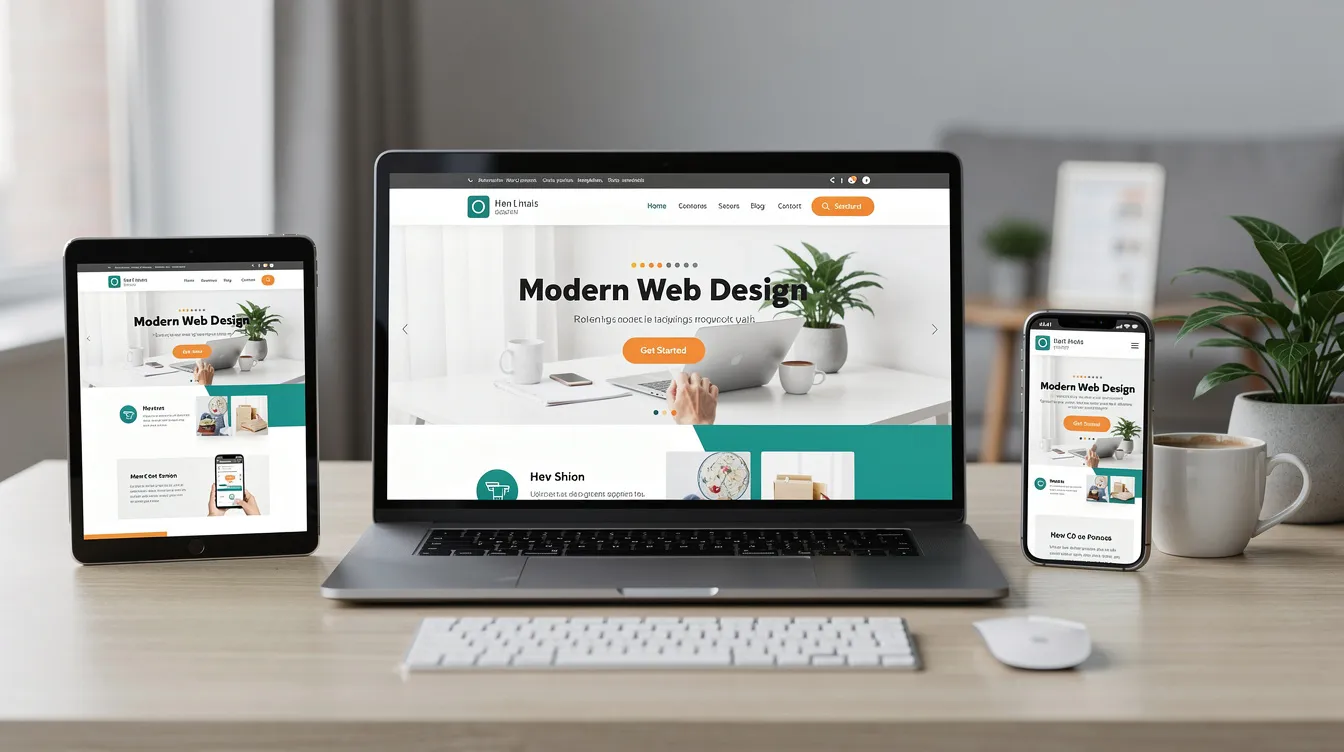
A strong small business website works on two tracks: people can use it easily, and search engines can understand it clearly. That means basic search engine optimization, accessibility standards, user-centered design, a clear content plan, and pages that work smoothly on phones. Think of SEO accessibility as building for both visibility and real-world usability.
This matters because traffic that cannot find you, read you, or navigate you will not turn into calls, bookings, or purchases. When your pages answer the right questions and feel simple to use, trust rises fast. Good content optimization helps your expertise show up in search and hold attention once visitors arrive.
Picture a customer on their phone looking for pricing and hours between errands. If buttons are tiny, text is low contrast, or the menu is confusing, they bounce to a competitor. If your services page matches their search and your layout guides them, they contact you.
8 Underused Fixes: Speed, Forms, Style, and Navigation That Convert
Small changes often create outsized gains, especially when they remove friction from common tasks like finding information, loading pages, and completing a form. Use the fixes below to reinforce the usability, accessibility, and mobile-first principles you’ve already put in place.
- Set a “speed budget” for every page: Start by picking a single target like “homepage loads in under 3 seconds on mobile,” then audit what’s slowing it down. Compress oversized images, limit heavy sliders/animations, and remove plugins/scripts you don’t actively use. Site speed optimization works because every extra second adds drop-off, especially on phones and slower connections.
- Fix your biggest images first (it’s usually 80% of the problem): Open your top 5 pages and identify the largest images (often hero banners and gallery photos). Replace them with properly sized files for the layout, compress them, and avoid uploading camera-original images “because they look crisp.” This is a quick win that improves both speed and mobile responsiveness without redesigning anything.
- Cut your forms down to the true minimum: A fast way to improve form usability is to delete fields, not rearrange them.
Remove unnecessary questions by challenging every field: “Will we actually use this to fulfill the request?” If not, remove it or make it optional, and keep one clear call-to-action (for example, “Request a Quote” rather than three competing buttons).
- Make forms feel effortless on mobile: Match each field to the right keyboard (email field shows an “@” keyboard, phone field shows a numeric keypad) and add helpful autofill-friendly labels like “Full name” and “Street address.” Put error messages directly under the field in plain language, and keep the submit button visible without endless scrolling. These tweaks reduce abandonment and support accessibility standards.
- Standardize your visual styling into a mini style guide: Create a one-page reference for your brand basics: two fonts max, 2–3 brand colors, button styles, and heading sizes. Then update high-traffic pages so headings, buttons, and link styles behave consistently (same color, same hover state, same spacing). Consistent visual styling builds trust and makes navigation cues easier to recognize.
- Rebuild navigation around tasks, not departments: List the top 5 things customers come to do (book, call, compare services, get pricing, find hours/location), then organize your website navigation structure around those tasks. Keep primary navigation to 5–7 items, use clear labels (“Pricing,” “Services,” “Contact”), and ensure every page has a logical “next step” link so users don’t hit dead ends.
- Add “internal paths” with related links to reduce pogo-sticking: On service pages, add a small section like “Common next steps” linking to pricing, FAQs, case studies, and contact. This helps user-centered design goals by guiding visitors forward and also supports SEO by clarifying topic relationships to search engines.
- Integrate keywords where they help humans first: Use SEO keyword integration in the places people scan: the page title, H1 heading, first paragraph, and a descriptive subheading or two. Avoid stuffing; write naturally and answer the question the keyword implies (for example, “How long does installation take?”). With 60% of all searches ending without a click, clearer on-page answers and scannable structure can help you earn visibility even when users don’t immediately visit.
Plan → Measure → Learn → Tune Up
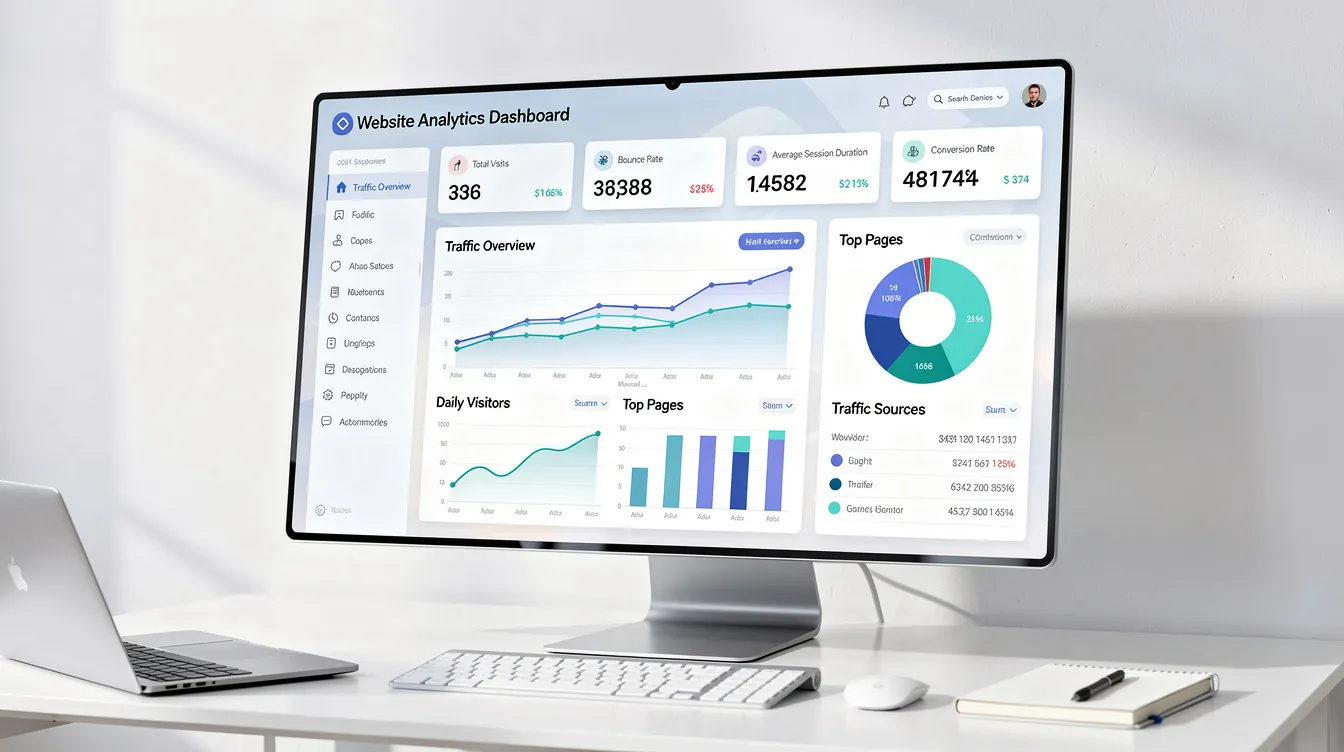
To keep these improvements from fading, use a lightweight operating rhythm you can repeat without a big overhaul. A consistent cycle turns website analytics tracking, performance monitoring, and SEO updates into small actions you can actually sustain, while user behavior analysis shows what real visitors struggle with. Market growth like the projected to reach USD 16.68 billion forecast signals how central behavior insights have become to modern web decisions.
| Stage | Action | Goal |
|---|---|---|
| Set targets | Choose 1 metric and 1 page to improve | Clear focus for the week |
| Measure | Check speed, top landing pages, and conversions | Baseline you can compare later |
| Observe behavior | Review scroll, clicks, and form drop-offs | Identify friction points fast |
| Prioritize | Pick one change with highest impact and lowest effort | Avoid scattered fixes |
| Update and publish | Implement, QA on mobile, then deploy | Improvement reaches customers |
| Review and log | Compare results; note wins, misses, next test | Compounding progress over time |
Targets guide what you watch, measurement shows where to look, and behavior signals why people stall. Prioritizing keeps scope small, while review notes make next week easier and smarter.
Quick Answers to Common Website Success Questions
What are some simple techniques to improve my website's SEO without getting overwhelmed?
Pick one page that matters most, then improve just three basics: a clear page title, one descriptive H1, and a short meta description that matches what you actually offer. Tighten on-page wording so it mirrors the terms customers use, and add internal links to related pages. Keep a small checklist and make one change per week so you do not stall out.
How can I effectively track my website's performance without needing advanced technical skills?
Track a few signals you can act on: visits to your top pages, form submissions or calls, and page load speed. Pair numbers with simple feedback like watching a few users attempt a task, since qualitative usability studies help you spot why people hesitate. Write down one takeaway and one fix, then repeat.
What are the best ways to make my website more accessible to users with disabilities?
Start with high-impact basics: add alt text to images, ensure strong color contrast, and make every form field clearly labeled. Make navigation work by keyboard alone and use descriptive link text. Improving accessibility is also good business because 1 out of every 6 persons on the planet experiences some form of significant disability.
How can I maintain a consistent style on my website to make it look professional and trustworthy?
Create a simple style mini-guide: 1 font pairing, 2 to 3 brand colors, and standard button and heading styles. Use the same spacing, photo style, and tone of voice across pages, especially on service and contact pages. When you add new content, copy an existing page layout instead of inventing a new one.
What should I do if I feel stuck trying to learn the technical skills needed to manage and improve my website on my own?
Identify the exact sticking point such as writing better page copy, fixing speed, or understanding analytics, then look for a focused technical resource guide on that single topic. Set a 30-minute weekly learning block and practice on one page so the learning has a clear outcome. If you want deeper confidence, follow a structured learning path that builds core computer science fundamentals like how the web works, HTML and CSS basics, and simple debugging, with for further reading on computer science coursework.
Build Website Momentum With One Smart Upgrade This Week
A small business website can feel like a moving target, always needing attention, yet never the top priority when customers and deadlines come first. The most reliable path is a steady, confidence-building approach: treat your site as an ongoing asset, make intentional improvements, and keep learning from what’s working and what’s getting in the way. When that becomes the norm, the website improvement benefits show up as clearer trust signals, smoother customer journeys, and stronger small business growth through digital presence enhancement. Consistency turns website upkeep into predictable progress. Choose one upgrade to complete this week and schedule a simple check-in to support ongoing website management with confidence in web strategies. That steady rhythm builds resilience and keeps your online presence healthy as your business evolves.

EzPages.Pro specializes in small business web management and web development for small businesses and startups. Our tailored solutions simplify content updates, track performance with analytics, and ensure smooth site operation. With our all-in-one management services, you can focus on growing your business while we handle the rest.
🚀 Let’s build something great together.
EZPages blog